
Ship on your terms.
Push to deploy, or choose the moment yourself. Every candidate gets a health check before it receives production traffic.
mainProduction
- Source fetched
- Container built
- Health check passed
- Your app is live
Turn your VPS into a deployment platform.
Push your code. Shelter takes it from there.
What’s live, what just shipped, and what needs your attention.
All together in a workspace that feels like yours.
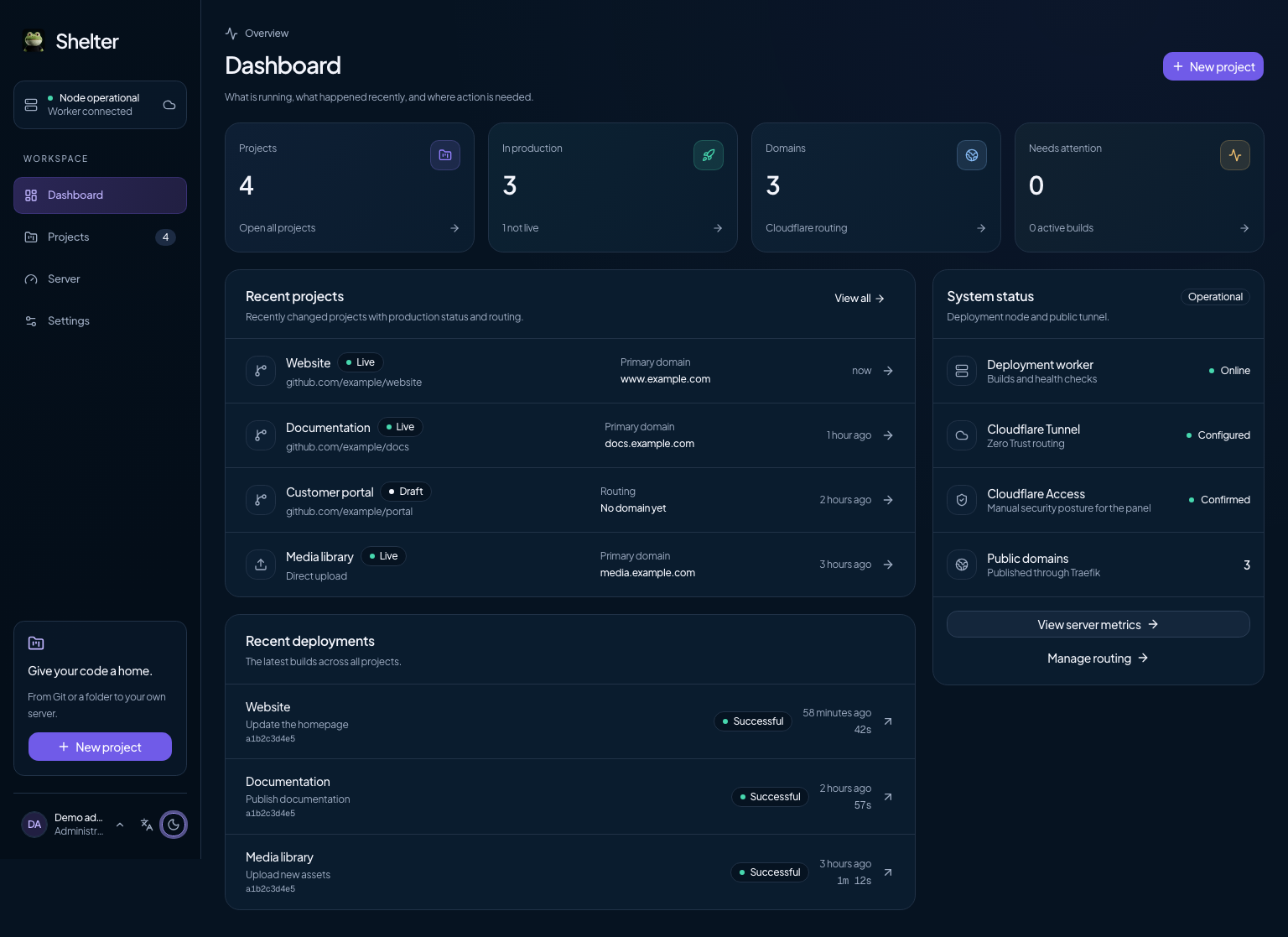
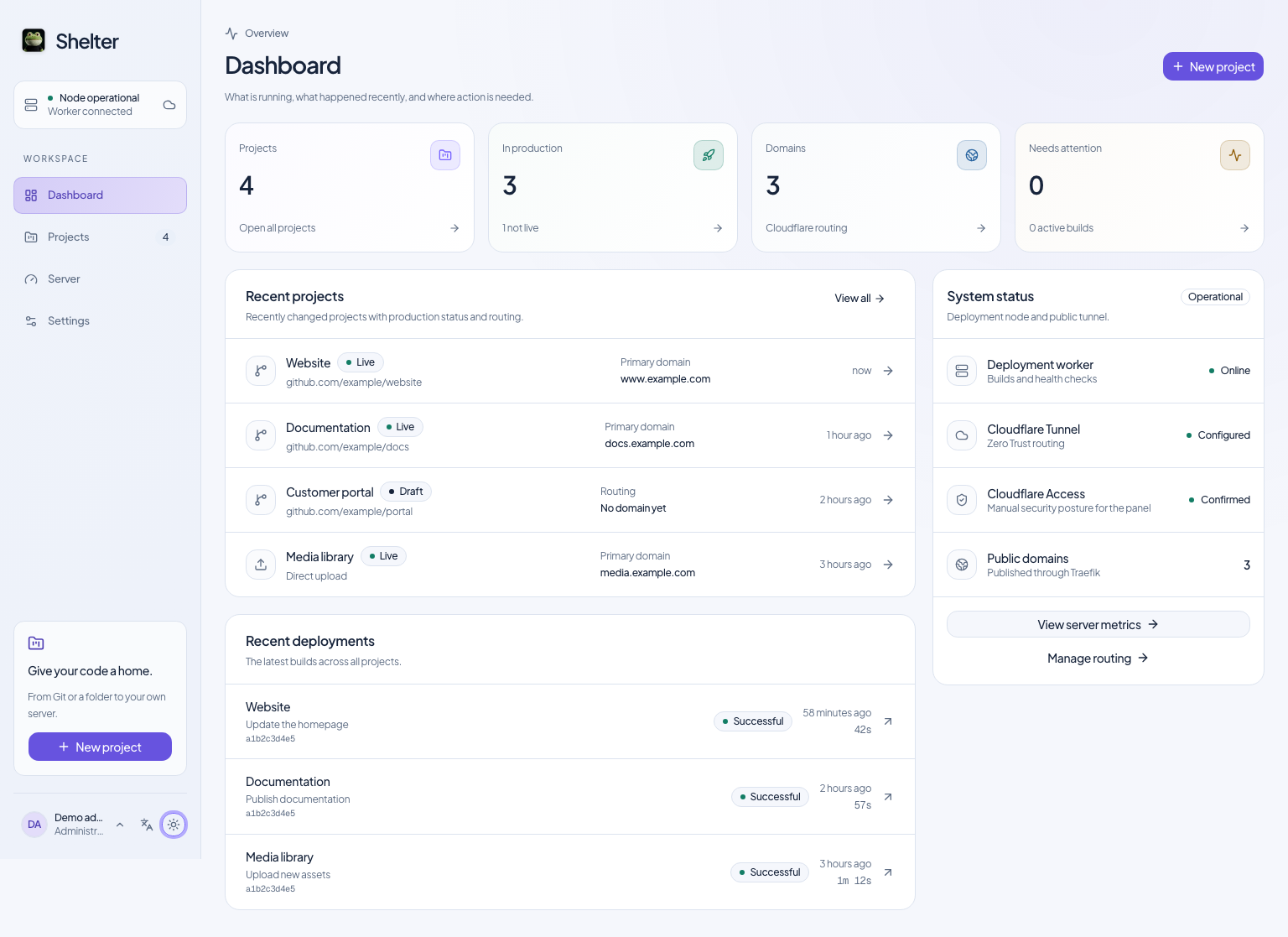
Keep source, builds, containers, and routing in one flow. Bring the project. Shelter connects the rest.
Connect GitHub, point to a public repository, or upload a ZIP or folder. Shelter finds the right starting point.
GitHub · Git · ZIP · FolderShelter builds the container, starts your app, and checks its health before switching production traffic.
Build · Run · Health checkConnect your domain through Cloudflare Tunnel. Your project is live, with logs and rollbacks close at hand.
Domain · Tunnel · LiveThe everyday tools your projects need,
without a separate service for every step.
Push to deploy, or choose the moment yourself. Every candidate gets a health check before it receives production traffic.
Manage DNS, tunnels, and multiple hostnames in one place. Your project containers need no public host ports.
Follow live logs, inspect resource usage, and roll back deployments. Keep the context you need when something changes.
build Container image readycheck Health check passedroute Production traffic switchedready Listening for what’s nextStart with detected framework defaults or bring a Dockerfile. Use the API and CLI when your workflow needs to go further.
$ shelterYour server, your data, your source code. Shelter brings the workflow together on infrastructure you control.
Explore the sourceStill curious about something?
Take a look at the documentation ↗
A VPS running Ubuntu 24.04 or 26.04 LTS, Docker with Buildx and Compose v2, and OpenSSL. We recommend 2 vCPU, 4 GB RAM, and 40 GB SSD. A Cloudflare account and active domain zone are needed when you publish your apps.
Yes. Shelter runs on your own Linux server. Use a provider that meets the system requirements, keep control of the machine, and install Shelter on it.
Next.js, React, Astro, Node.js, Vite, static websites, and file collections have built-in source analysis. For other applications, you can provide a Dockerfile and configure the build and runtime settings.
No. GitHub is one option. You can also use a public HTTPS Git repository, upload a ZIP, or upload a complete project folder. Automatic deployment on push is optional for connected GitHub projects.
Shelter is open source under AGPL-3.0. You can run, inspect, and modify it under the terms of that license. You pay for your own server, domain, and any other services you choose to use.
Shelter manages Cloudflare Tunnel, DNS, and domains from one panel. Traffic reaches your applications through the tunnel and internal routing, so your project containers do not need public host ports.
Start with your own VPS. The installer checks your server and walks you through setup.
Read the complete setup guidegit clone https://github.com/raum-so/shelter.git
cd shelter
./install.sh doctor
./install.shUbuntu 24.04 / 26.04 LTS · Docker & Compose v2 · OpenSSL
Recommended: 2 vCPU · 4 GB RAM · 40 GB SSD
Setting up production? Start with a verified release.